
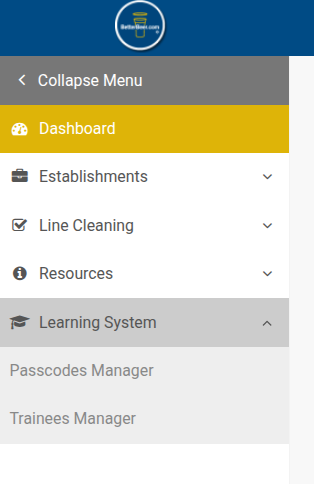
In Better Beer Admin, on the left side menu, click on Learning Systems, then Trainee Manager:
On this page, you see a list of the trainees for the establishment(s) that you are linked to.
Click on the employee’s name that you wish to look at.
Here you can see all the courses they have been assigned to, their progress, quiz scores, and their status.
Training Status:
If the course name is in Green, it means that they have graduated (completed) the course.
If the course name is in Yellow it means that they are still in progress.
If the course name is in Red, it means that they have been locked out.
Unlocking Employees:
Click the Red Unlock button to unlock the employee and restore their access to the course.
Employees are locked out after failing a quiz three times. It is a good coaching opportunity because they are not watching the videos or reading the training materials; they are simply trying to pass the quizzes on their own.